Skip to content

Samsung Appliance Repair in Belmont & Greater Boston

Independent residential, in-home service for Samsung appliances. Family Hub screens and connected features do not change the need to identify the underlying refrigerator model. Ice production, cabinet cooling and display behavior should be described separately. Washer code families can also differ between generations.

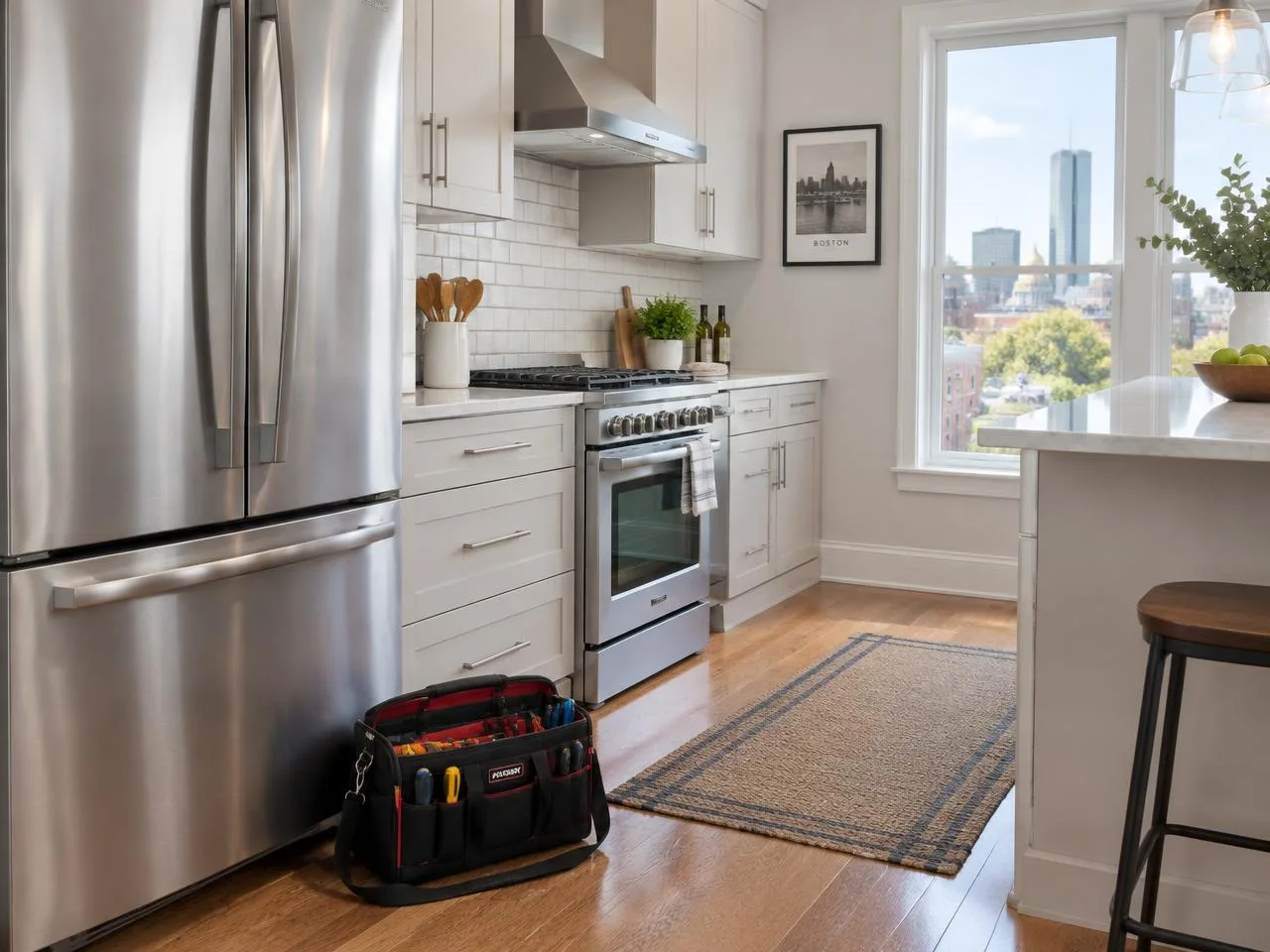
Residential kitchen appliance setting for Samsung repair guidance; illustrative photo, not a branded customer appliance

Samsung product lines and configurations

Samsung logo

The product families below provide context for a service request, not a promise that every model or specialty configuration has the same repair options. Send the complete model number so we can confirm scope and access. We service residential appliances in your home.

  • Family Hub refrigerators
  • French-door and side-by-side refrigerators
  • Front-load and top-load washers
  • Electric and gas dryers
  • Residential cooking and dishwashing appliances

Common symptoms by appliance

These are possible causes, not a diagnosis. Record the message and timing; leave internal electrical, gas and refrigeration checks to the technician.

Refrigeration

A warm fresh-food compartment may involve blocked airflow, a door that does not seal, a defrost problem or a circulation fault. Ice clumping or a stopped ice maker is a separate symptom; it does not establish that the refrigerator’s cooling system has failed.

Refrigerator Repair guidance →

Laundry

A washer that pauses with a fill, drain or balance message needs the exact code and model checked. A drain restriction can prevent spinning. A dryer with no heat needs its cycle and exhaust conditions distinguished from internal heating faults.

Washer Repair guidance →

Kitchen appliances

Standing water can reflect filter debris, drain routing or a pump fault. For cooking appliances, note which oven or burner fails and whether there is an ignition smell; a gas odor is an emergency, not an ordinary service request.

Dishwasher Repair guidance →

Samsung washer code reference

These washer codes are drawn from Samsung’s support guidance. Meanings and permitted checks vary by model; dC can concern the door or load balance. Consult the complete model’s manual first. A code does not identify a failed part.

Samsung washer codes, safe checks and when to call
CodeMeaningWhat to tryWhen to call
4C / 4EWater fill is not proceeding correctly.Check supplies and visible hose kinks; follow the manual.Persistent code or leaks.
5C / 5EWater is not draining correctly.Check visible routing. Filter care requires the manual and cool water.Standing water or recurring code.
UE / UbUnbalanced load affecting spin.After normal unlock, redistribute laundry.Repeated failure with balanced loads.
dC / dcDoor issue OR imbalance, depending on the model.Follow the model’s door or balance guidance.Failed latch or persistent error.
Samsung washer error codes explained →

Samsung cooling and ice symptoms are different

Samsung’s cooling guidance begins with the controls, door closure and seals. Record whether the refrigerator is actually warm or whether the complaint is limited to the ice maker or dispenser. An ice bin that is empty, an ice maker that is switched off and a dispenser that cannot deliver existing cubes are not the same symptom.

Family Hub identifies connected features, not a universal cooling system or reset procedure. Use the full model to locate Samsung’s matching owner instructions. Do not chip out ice or heat concealed fill lines. Protect refrigerated food while investigating cooling loss, and report the affected compartment separately from ice production.

Samsung refrigerator cooling support ↗

Where to find the model number

For a refrigerator, check the accessible label inside the cabinet as shown in its manual. For front-load laundry, inspect the normal door opening; some Samsung laundry labels are on the rear. Use purchase documents instead of moving equipment to reach a concealed tag.

Photograph the complete label without moving equipment or removing covers. Keep every model suffix; a Family Hub badge does not replace the model number.

Independent service and your visit

Independent appliance repair service, not affiliated with or authorized by any manufacturer. We are not an authorized Samsung service center. Manufacturer warranty eligibility must be checked with the manufacturer using the model, serial number and purchase documents; this page does not establish coverage.

The technician explains the diagnosis and quotes the repair before any work begins. The service-call fee is credited toward your repair when you go ahead with it. Repairs are backed by a 3-month warranty.

Include the appliance type, complete model and a short description of the failure. Mention a built-in installation, stacked laundry or restricted access so the visit can be planned safely. Do not remove cabinetry or pull heavy equipment to obtain a hidden label.

Service is centered on Belmont with nearby coverage in Watertown and Arlington, as well as the other towns listed on our service-area page. Sending a request is not an automatic appointment; we contact you to confirm availability and the visit time.

Request service

We’ll contact you to confirm availability. Sending a request does not reserve a time.

Good to know

Are you an authorized Samsung service center?

No. We are independent and not affiliated with or authorized by Samsung. Contact the manufacturer to confirm any manufacturer warranty coverage.

Can a repair be completed on the first visit?

That depends on diagnosis, model-specific parts and safe access. We explain the findings and proposed work rather than guaranteeing first-visit completion or same-day availability.

Request Samsung repair

Send a request and our team will contact you to confirm availability.

Request Service
Call TextRequest